RUB docs
Sequencer
Pattern grid, accent, slide, SUS/ALT, patterns, chain, play modes, keyboard, and note capture.
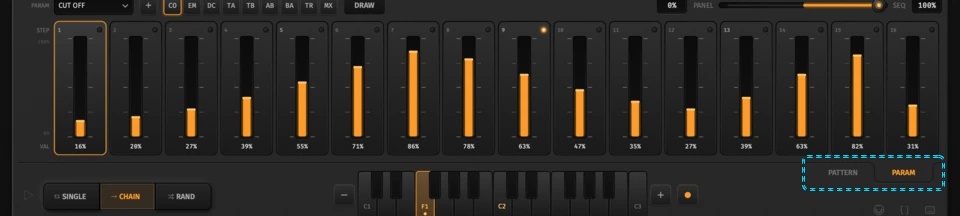
RUB’s note sequencer is a 16-step monophonic grid with classic acid tools (accent, slide) plus pattern banks, a chain, and three play modes. Pair it with Param Seq when you want per-step knob automation.
Switch to Pattern view with Tab, the Pattern ear, or the Pattern tab on the homepage tour.
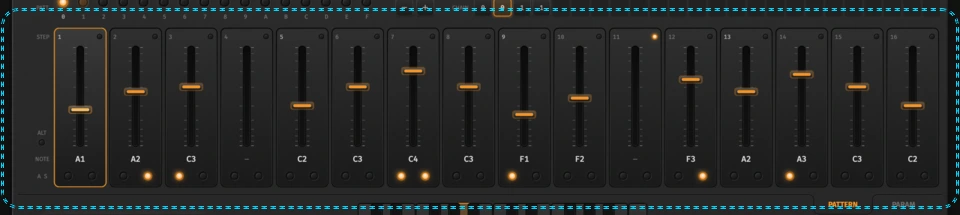
Step grid
Sixteen columns. Each step holds a MIDI note (or empty / release). The fish-eye lane spans roughly C-3…C7 — drag vertically or use the mouse wheel.
| Action | How |
|---|---|
| Select step | Click a column, or ← / → |
| Nudge pitch | ↑ / ↓ (semitone), PgUp / PgDn (octave) |
| Empty step | Del / Backspace |
| Release (gate off) | R |
| Duplicate to neighbour | Cmd/Ctrl+← or → |
Empty steps leave a gap; release ends a held/slid note without starting a new pitch.
Accent and slide
Under each step, two LED halves share one row:
- Left — Accent: louder hit and extra filter peak (scaled by the filter Accent knob).
- Right — Slide: glide into this step from the previous note.
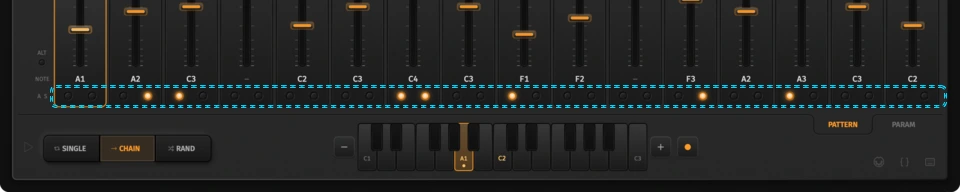
Keyboard shortcuts while a step is selected: , toggles accent, . toggles slide — same order as the LEDs.
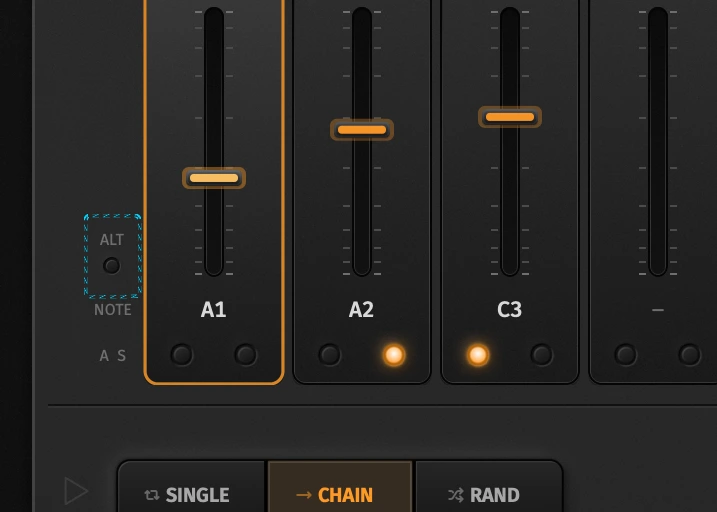
SUS vs ALT
| Mode | Behaviour |
|---|---|
| SUS | Prior note sustains through the slide into the destination |
| ALT | Classic destination slide (gate behaviour closer to vintage boxes) |
Patterns 0–F
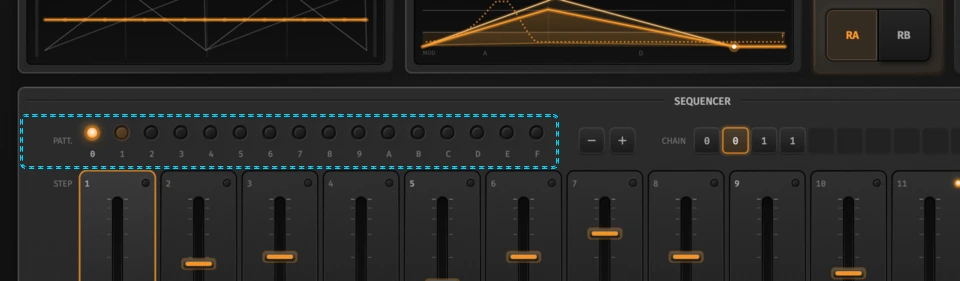
Sixteen pattern slots. Keys 0–9 and A–F select instantly. Occupied patterns (notes or Param Seq lanes) glow.
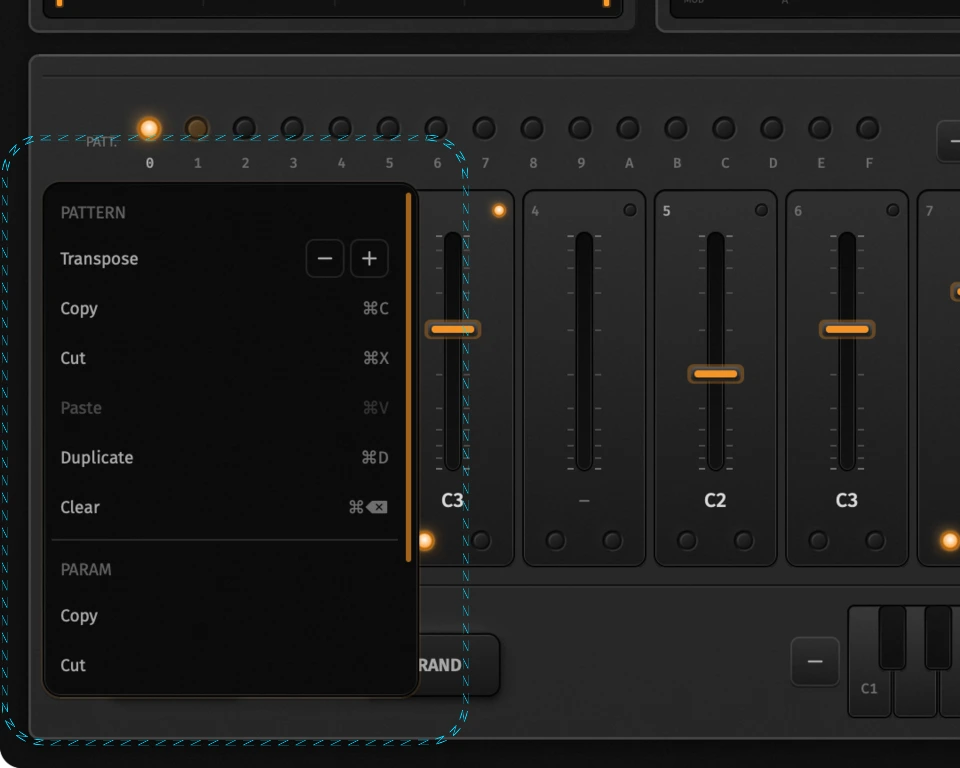
Right-click a pattern (or use shortcuts) for:
| Pattern menu | Shortcut |
|---|---|
| Transpose ± | stepper in menu |
| Copy / Cut / Paste notes | Cmd/Ctrl+C / X / V |
| Duplicate to next empty | Cmd/Ctrl+D |
| Clear notes | Cmd/Ctrl+Backspace |
| Param copy / cut / paste / clear | (menu; view-aware clipboard) |
| Clear all (notes + lanes) | menu |
Clipboard follows the active view: in Pattern view C/X/V move notes; in Param view they move lanes.
Chain
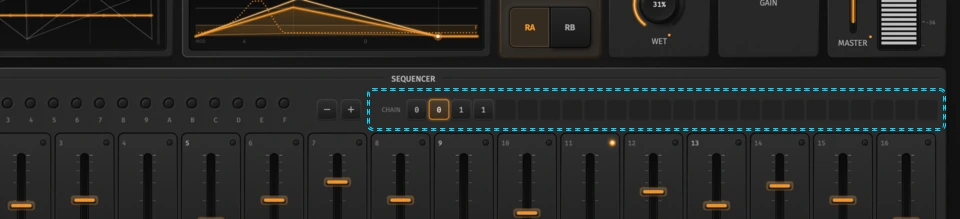
The chain is the song-order list of pattern indices (up to 99 slots; the strip shows a window of 24). + appends the selected pattern; − removes the last slot.
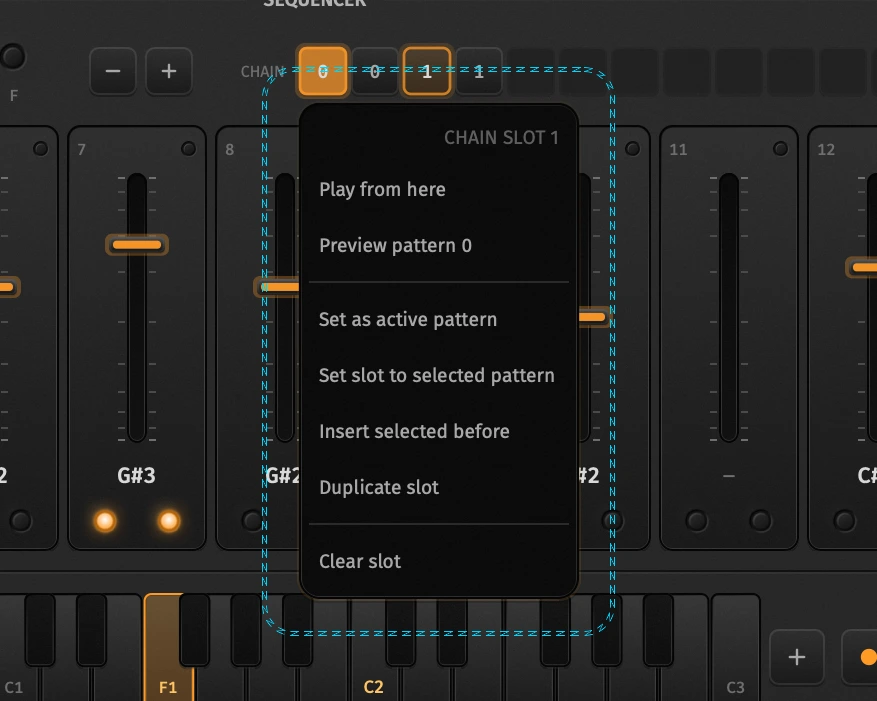
Click a slot for:
- Play from here
- Preview / set as active pattern
- Set slot to selected pattern
- Insert, duplicate, or clear slot
- Mouse wheel on a slot steps which pattern it points at
Letter tiles page through long chains.
Play modes
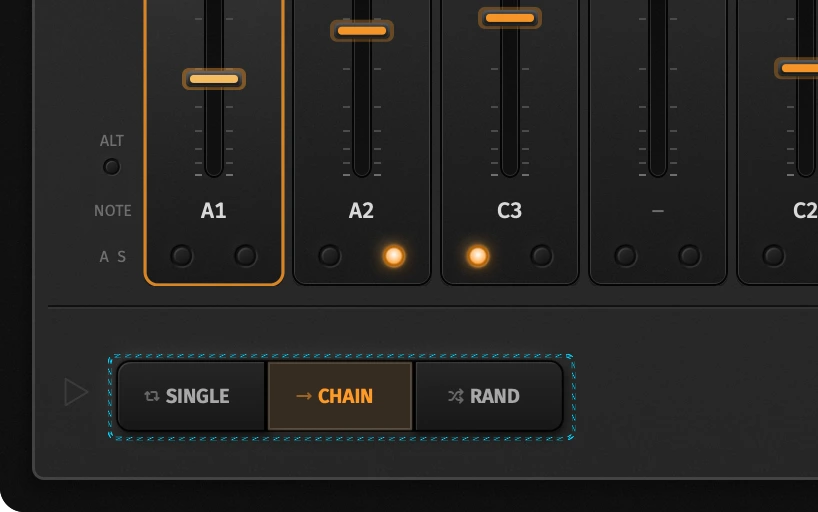
| Mode | What it does |
|---|---|
| Single | Loops the current pattern only |
| Chain | Plays chain slots in order, then wraps |
| Rand | At each pattern end, jumps to a random chain slot |
Transport Play always restarts from step 0 (chain head in Chain mode unless you used Play from here). Space toggles play/stop. In a plugin, Follow Host hands tempo and play/stop to your DAW instead.
Keyboard and capture
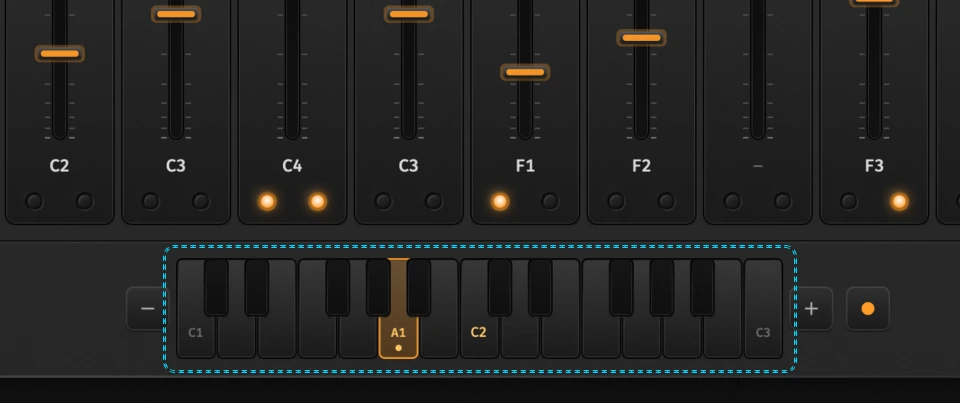
- Click a key → write that note into the selected step
- Shift-click → audition only (does not write)
- Oct − / + → shift the visible keyboard range
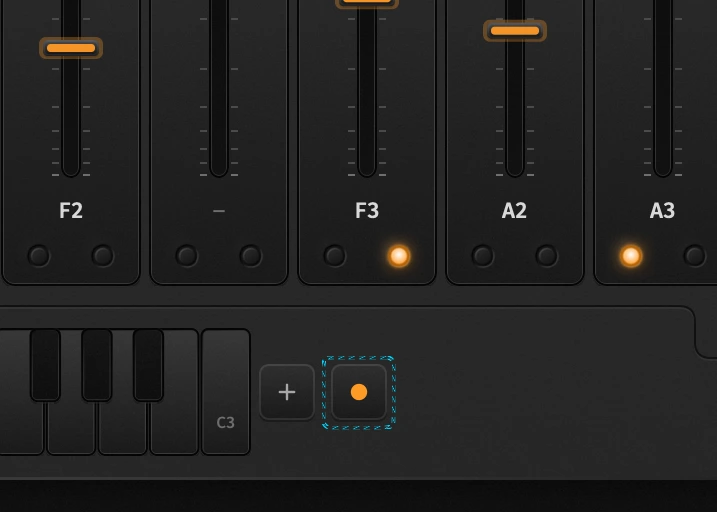
Arm Rec to capture:
- Keys or MIDI note-ons write the current step and advance
- Capture wraps after 16 steps
- Hard MIDI velocity → accent
- Held notes → slide into the next write
- Del / R while capturing clear or release then advance
Capture forces Pattern view if you were on Param Seq.
Related
- Oscillators — Wave / Tune, Mix, Range, sync
- Param sequencer — per-step parameter lanes and Blend
- Panel overview — faceplate map
- MIDI map — map CCs while sequencing
- Song JSON — dump patterns + chain for AI edits