RUB docs
Panel overview
Pattern / Param sequencer views and Wave / Tune oscillator views.
The faceplate has two independent axes — sequencer view and oscillator view. The homepage tour mirrors both with hover tips.
Sequencer: Pattern vs Param
| View | What you edit | Deep dive |
|---|---|---|
| Pattern | 16-step note grid, accent, slide, SUS/ALT | Sequencer |
| Param | Per-step parameter lanes (Param Seq) and Blend | Param sequencer |
Switch with Tab, the Pattern / Param ears, or the site tour tabs.
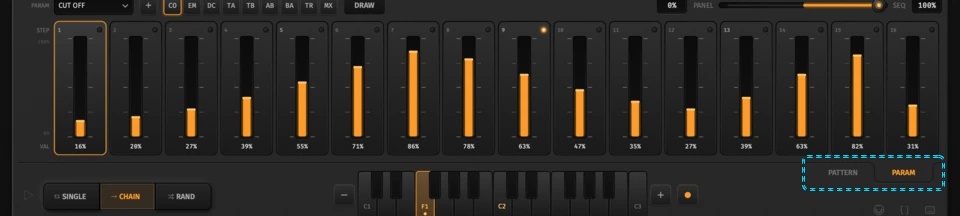
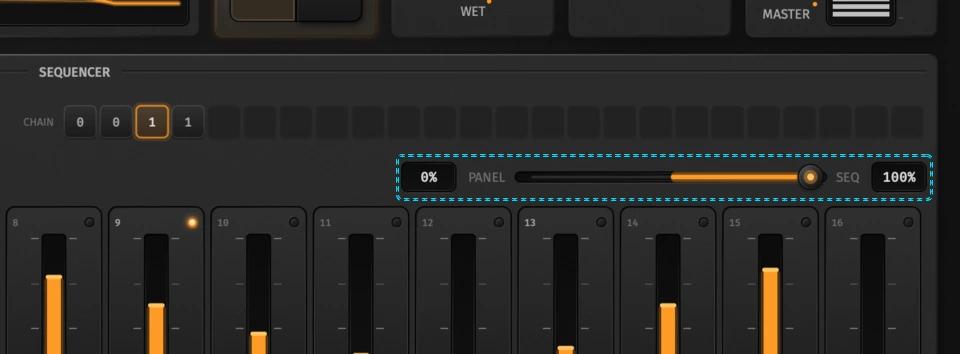
In Param view, pick a parameter, paint steps (or use Draw), and use Blend to crossfade panel knobs with sequenced overrides.
Oscillators: Wave vs Tune
| View | What you see |
|---|---|
| Wave | OSC 1 / OSC 2 waveform pickers, ×2, Mix, visualizer |
| Tune | Tune A / B, Range (semitone throw), A→B / B→A sync |
Press TUNE on the oscillator card (or the Tune tab on the site) to open Tune mode; Close returns to Wave.
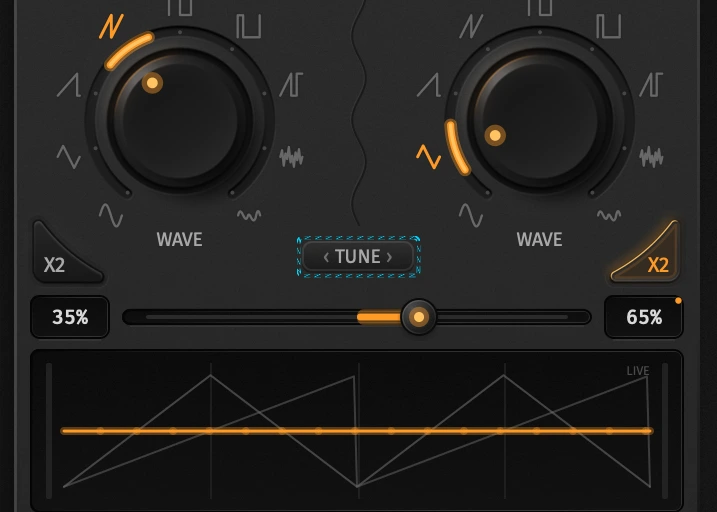
Full detail — waveforms, Custom tables, Mix, Range, and sync LEDs: Oscillators.
Plugin window
- Sequencer LED — switch the sequencer card off and the window shrinks to a slim keyboard strip: a wide multi-octave keyboard, with the MIDI map, Song JSON and shortcut icons stacked beside it. Sequencer-only keys and Play step aside until you turn it back on.
- Follow Host (plugins only) — RUB takes tempo and play/stop from your DAW. The BPM field shows the host tempo and locks while it’s on. With the sequencer off, it just keeps the delay in time.
- OPTS — License, Import Presets, About and Reset in every format. Audio/MIDI Settings and Quit are standalone-only.
Keyboard and capture
The bottom keyboard writes the selected step (Shift-click auditions only). Rec arms note capture: keys/MIDI advance through the pattern. Hard MIDI hits = accent; held notes = slide.
Shortcuts and song JSON
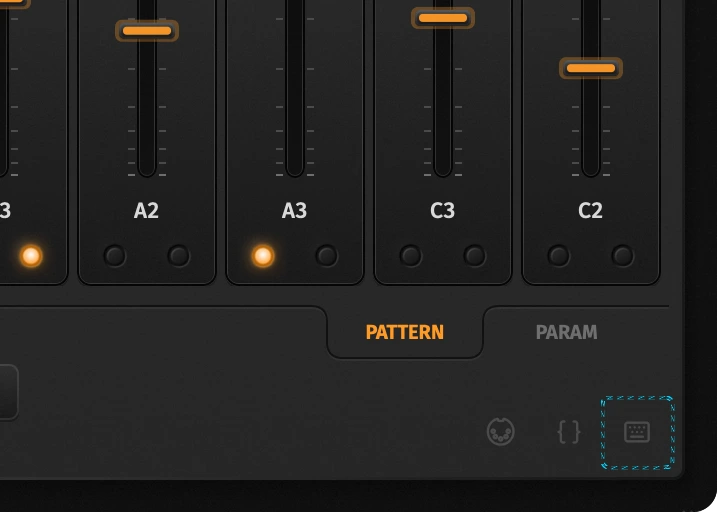
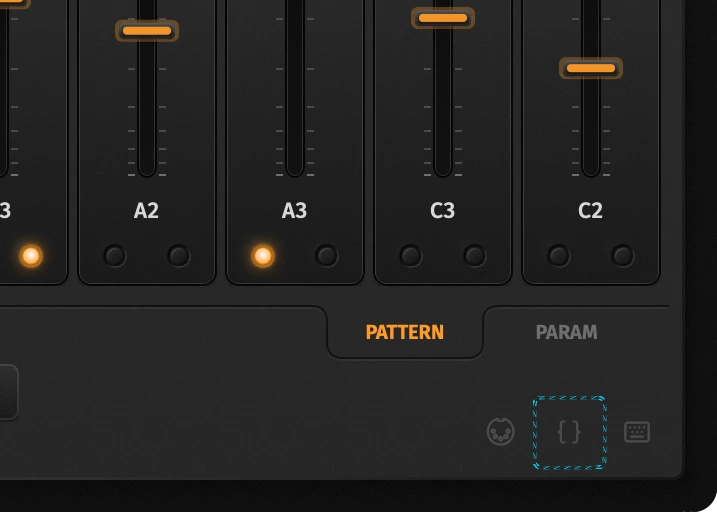
Hover the keyboard icon for the cheat sheet — it only lists sequencer keys while the sequencer is on. The braces icon opens full-song JSON for AI tools — see Song JSON.