RUB docs
Presets
Factory, User, and Imported songs — load, save, star, sort, and import.
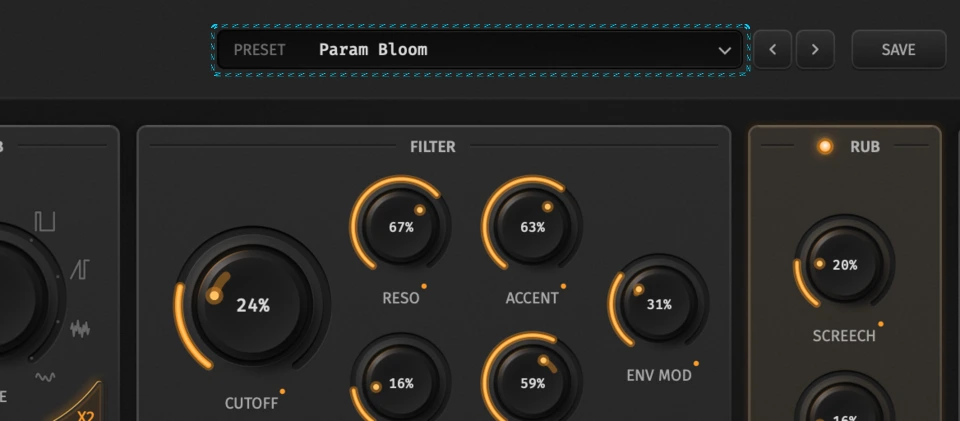
RUB songs live as .rub JSON files. The header PRESET well is how you browse them, save your own, and keep favorites.
Categories
| Kind | Where it lives | Notes |
|---|---|---|
| Init | Built-in | Empty-ish starting point (one C3 on step 0). Always first in the list. |
| Factory | App bundle / presets/ | Shipped 303-style songs. Read-only. |
| User | ~/Library/Application Support/RUB/Presets/ (macOS) | Anything you Save. |
| Imported | …/Presets/Imported/ | Files or zips you bring in via IMPORT. |
Older User/Imported files with "format": "rdsong" still load; the library rewrites them to "format": "rub" when it scans.
Load
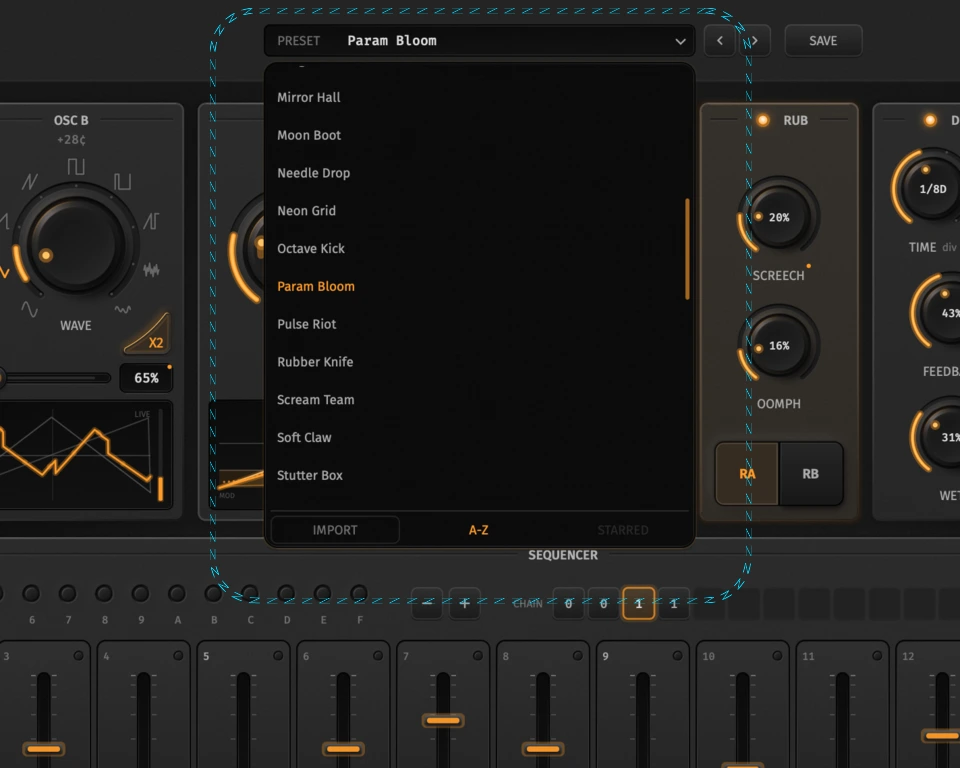
- Click the PRESET well (name + chevron).
- Pick a row — the song replaces the current patch, patterns, chain, and lanes.
- Or use the < / > buttons beside the well to step through the list (wraps).
The well shows the current song name. Factory and User names are the .rub stem; Init is always Init.
Save
SAVE writes the current song into User (licensed builds only). Demo standalone can play and edit but cannot save .rub files.
Star and delete
On User and Imported rows, hover to reveal:
- Star — mark a favorite (persists in app settings)
- Trash — delete the file from disk (with confirm)
Factory and Init cannot be deleted. Stars work on every category if you want a shortlist.
Sort
At the bottom of the preset menu:
| Control | Effect |
|---|---|
| A–Z | Alphabetical within each category (Init → Factory → User → Imported) |
| STARRED | Starred rows float to the top of each category, then A–Z |
Sort choice is remembered between sessions.
Import
IMPORT (menu footer) — or OPTS → Import Presets, in plugins and standalone alike — opens a file picker for:
- One or more
.rubfiles - A
.zipof.rubfiles
Imports land in Imported. Name collisions are skipped or reported; check the status if something doesn’t appear.
Tips
- Star a few Factory songs you use as templates, then switch to STARRED sort for a short menu.
- After importing a pack, save a tweaked copy with SAVE so it lives under User with your name.
- Dump or paste songs with Song JSON when you want AI-assisted edits without the file dialog.
Related
- Getting started — first load and Play
- Song JSON — full document shape
- Sequencer / Param sequencer — what a preset actually stores