RUB docs
Oscillators
Wave and Tune views — shapes, Custom draw, ×2, Mix, Tune A/B, Range, and sync.
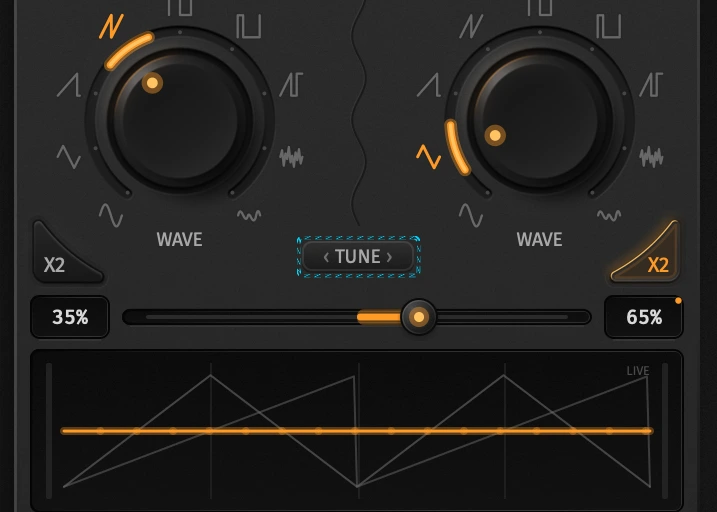
RUB has two oscillators that share one voice. Wave picks the shape; Tune sets relative pitch. Mix and ×2 stay visible in both views. Open Tune with the TUNE control on the oscillator card (or the Tune tab on the homepage tour); Close returns to Wave.
For the Pattern / Param sequencer axis, see Panel overview.
Wave view
| Control | What it does |
|---|---|
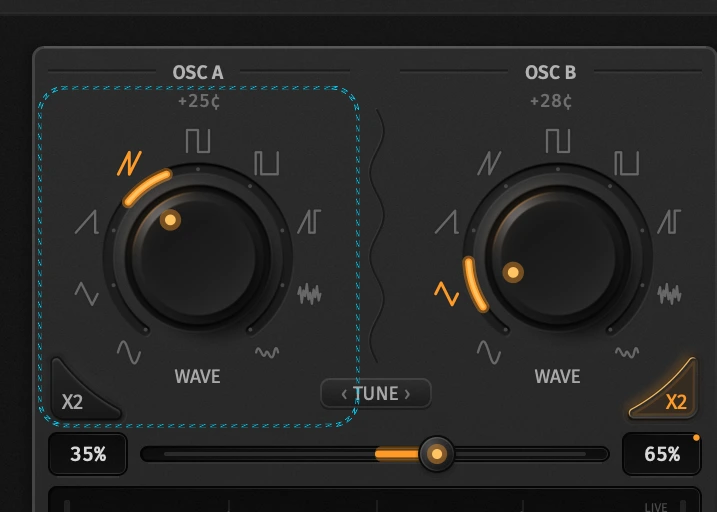
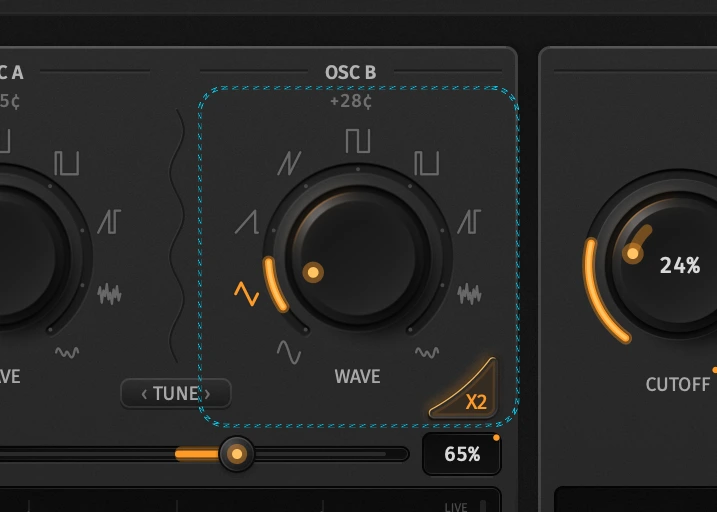
| Osc 1 / Osc 2 | Waveform pickers (osc1_type / osc2_type) |
| ×2 | Octave up per oscillator (osc1_x2 / osc2_x2) |
| Mix | Balance between Osc 1 and Osc 2 (osc_mix) |
| Visualizer | Live mix before Rub / filter |
Waveforms
Each osc chooses one of nine kinds:
| Kind | Notes |
|---|---|
| Sine, Triangle, Saw, Double Saw | Classic analog shapes |
| Square, Pulse 25%, Saw+Square | Harder edges |
| Noise | Unpitched; good for percussion hits |
| Custom | Per-osc drawn single-cycle table — see below |
Custom waveforms
Each oscillator has its own 256-point table (−1…+1), one cycle. Selecting Custom on Osc 1 or Osc 2 replaces the live visualizer with the draw well for that osc. Only one editor is open at a time — if both are Custom, Osc 1’s table is the one you edit. The other oscillator is drawn faintly behind your stroke so you can shape against it.
| Gesture | Effect |
|---|---|
| Drag | Paint the cycle (gaps between mouse events are interpolated) |
| Shift-drag | Smooth around the cursor |
| Right-click | Preset menu |
Right-click presets:
| Item | Result |
|---|---|
| Sine / Triangle / Saw / Square | Fill the table with that shape |
| Smooth | Three-point smooth over the whole cycle |
| Reset (flat) | Silence at the centre line |
Edits apply live on every stroke. An all-silent stored table is treated as an empty well and opens as a sine so you have something to hear and reshape. Leaving Custom for another wave kind keeps the drawn table; switching back restores it.
Storage. Tables live in the song as osc1_custom / osc2_custom (256 floats). They save with User / Imported presets and round-trip through Song JSON. Default sine tables are omitted from JSON to keep files small — only non-default drawings are written. Param Seq can flip osc1_type / osc2_type to Custom per step; the table itself is still the song’s stored drawing, not a per-step shape.
Playback. The engine rebuilds a mip chain from your 256 points (anti-aliased at high pitches) and reads the cycle with linear interpolation, so the same drawing stays clean across the keyboard and ×2.
×2 and Mix
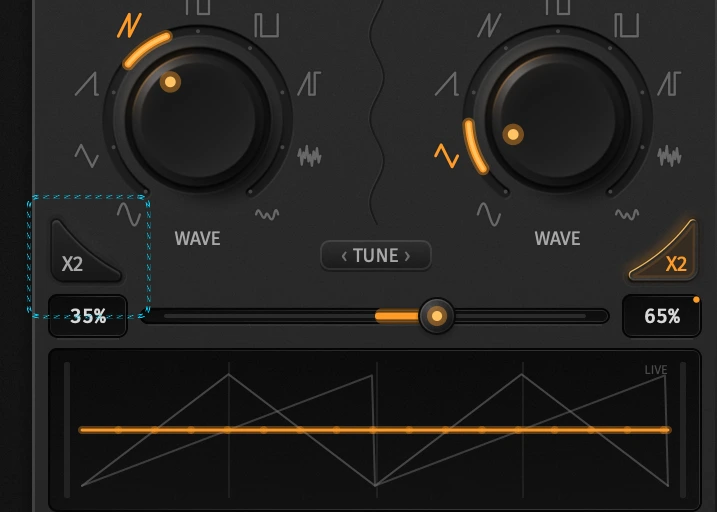
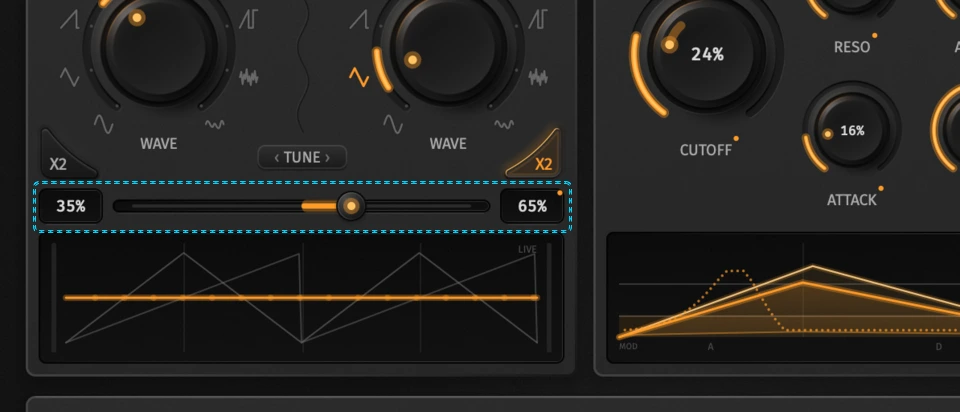
- ×2 doubles that oscillator’s rate (one octave up). When rates differ (×2 or relative Tune), Osc 2 is no longer phase-locked to Osc 1.
- Mix is equal-power: center stays loud.
0is Osc 1 only; full scale is Osc 2 only. Laneable.
Tune view
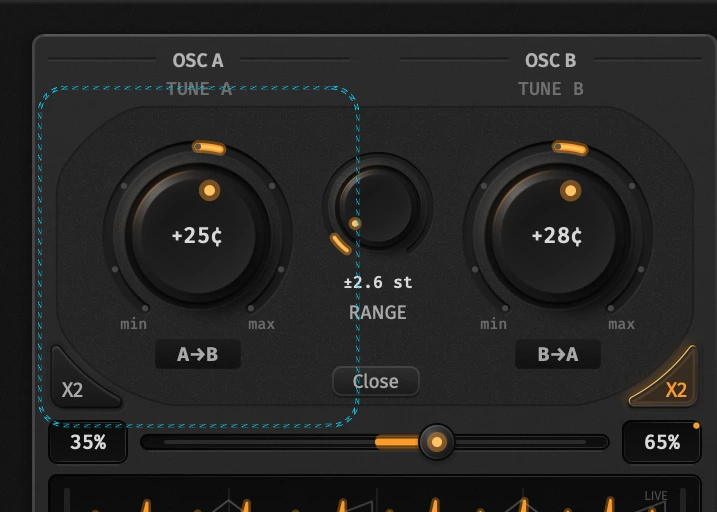
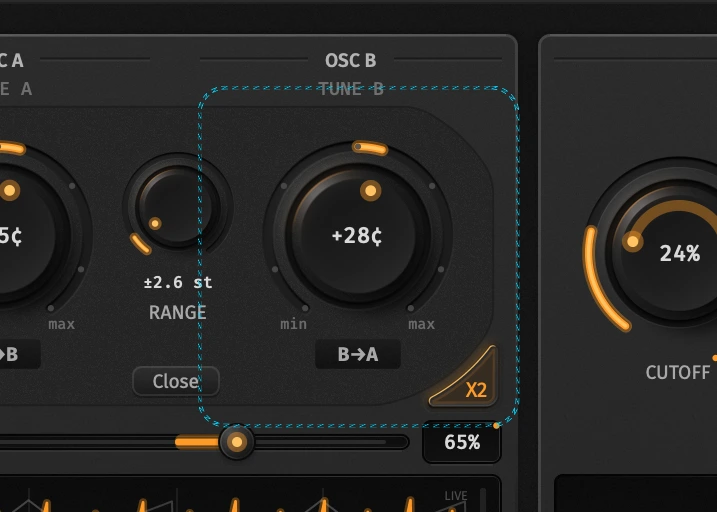
Press TUNE to swap the waveform knobs for pitch controls. Mix, ×2, and the visualizer stay put.
| Control | id_str | Range | Role |
|---|---|---|---|
| Tune A | tune_a | −1…+1 | Osc 1 pitch offset |
| Tune B | tune_b | −1…+1 | Osc 2 pitch offset |
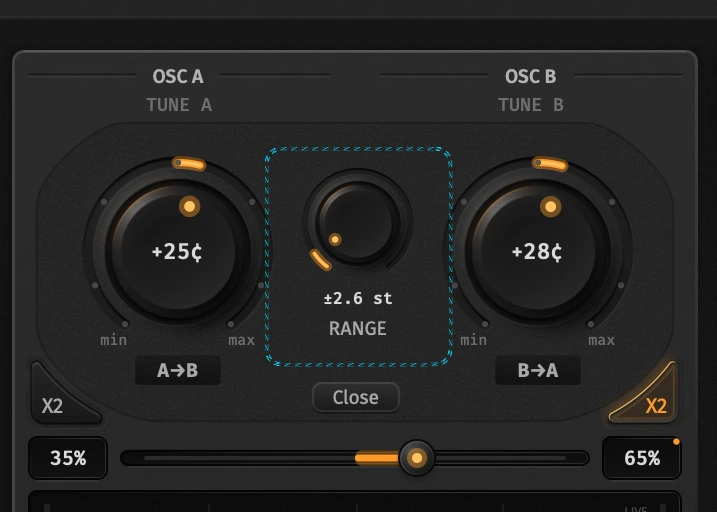
| Range | tune_range | 1…24 st | Semitone throw for both knobs |
| A→B | sync_a_to_b | on/off | Sounding B follows stored Tune A |
| B→A | sync_b_to_a | on/off | Sounding A follows stored Tune B |
How offset works
Tune A/B are normalized against Range. At Range = 12 st, Tune A = +1 is +12 semitones; at Range = 1 st the same knob is ±1 st. The value readout shows cents / semitones from the current Range. Clickable snap pips on the knobs follow the active Range.
Use a small Range for subtle beating; open it for fifths, octaves, or wide stack intervals. Param Seq can automate Tune and Range like any other laneable param — see Param sequencer.
Sync A→B / B→A
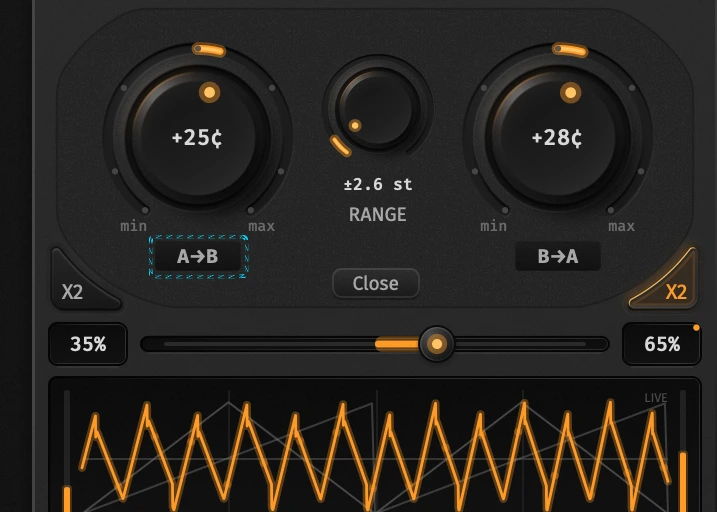
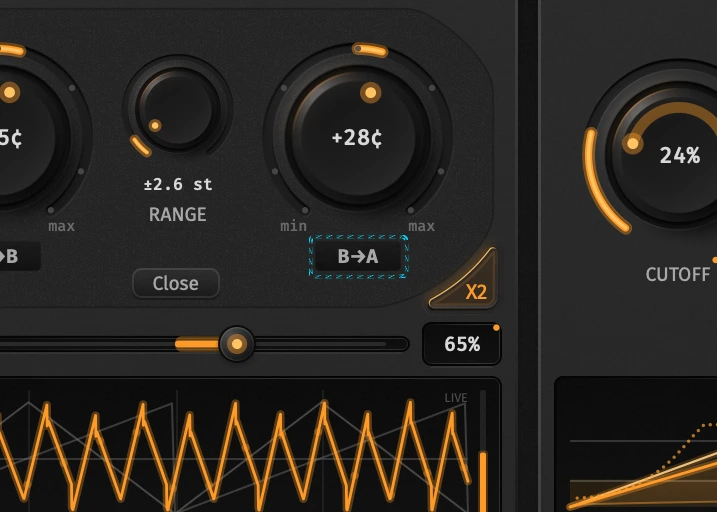
Sync LEDs make one oscillator sound the other’s stored offset without overwriting the stored knob:
- A→B on — Osc 2’s sounding pitch uses Tune A; Tune B stays as stored (you can still edit and automate it for later).
- B→A on — Osc 1 sounds Tune B; Tune A is preserved.
Both can be on at once (each osc listens to the other). Sync is MIDI-learnable and laneable — useful for locking a detuned pair, then flipping which offset leads mid-pattern.
Signal path notes
- Osc mix sits under the amp / filter envelope before the Rub path (Straight BLEP or Rub filter + drive).
- Relative Tune or ×2 unlocks independent phase; same rate + same sounding Tune keeps Osc 2 locked to Osc 1.
- Full
id_strlist: Parameters. MIDI learn: MIDI map.