RUB docs
MIDI map
Learn CCs on any control, manage all assignments in one list, and save reusable .midimap presets.
RUB does not ship a fixed MIDI CC layout. You assign CCs yourself with MIDI Learn, review everything in the MIDI Map manager, and optionally save named .midimap presets that move between projects.
Open the manager
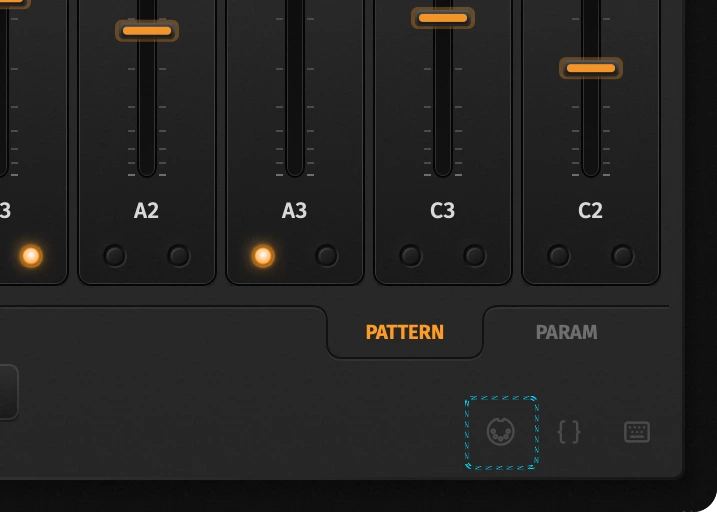
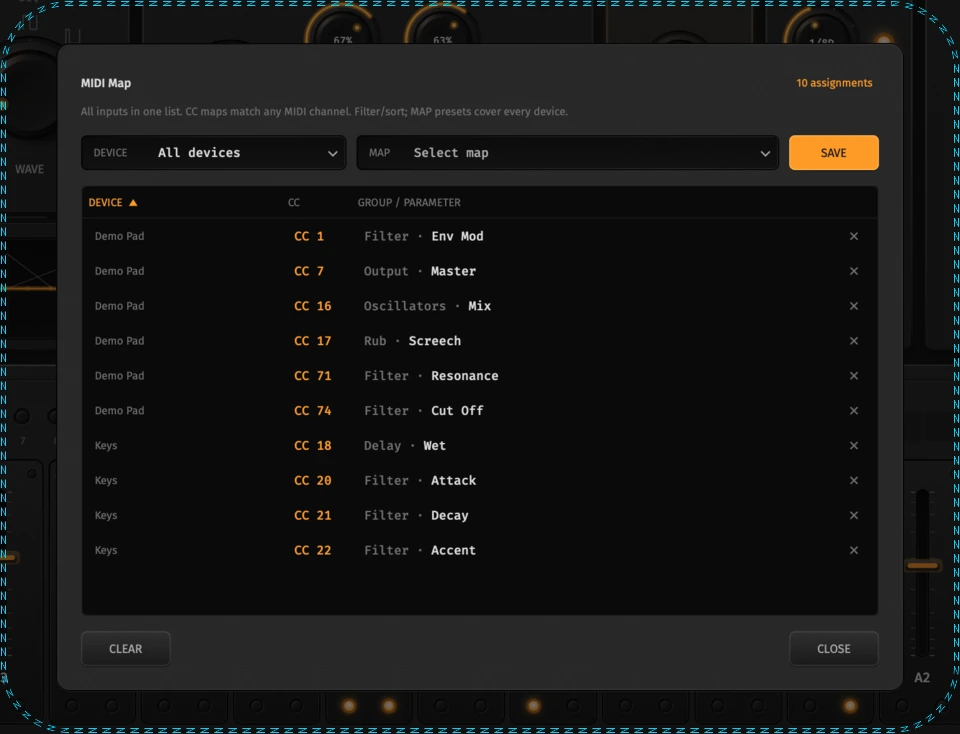
Click the MIDI icon in the lower-right chrome (next to Song JSON / Shortcuts). The manager lists every live CC assignment across inputs.
How to learn a CC
- Right-click a knob, LED (including ×2, COMP, panel enable LEDs, Tune sync), fader, or the BPM field.
- Choose MIDI Learn — a hollow ring waits for the next CC.
- Move a hardware control. The mapping sticks; a small orange dot marks learned controls.
- Right-click again → Clear (CC n) to remove that mapping, or clear rows from the manager.
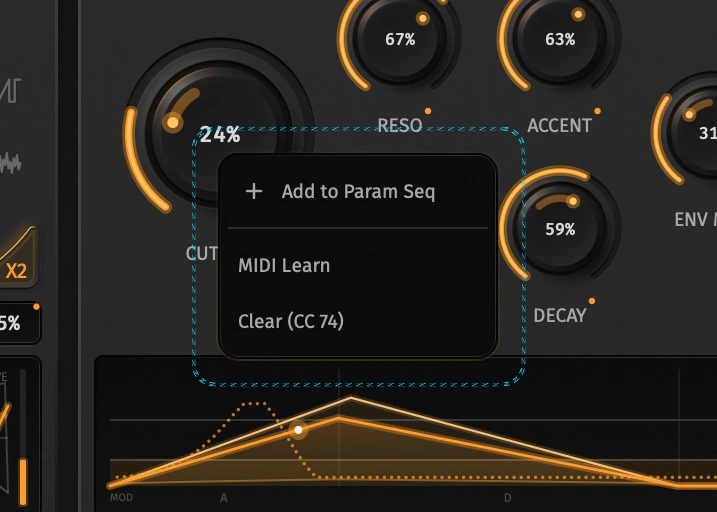
Sequenceable controls also offer Add to Param Seq in the same menu.
Filter, sort, clear
- DEVICE — show all inputs, or one controller. Standalone keeps a separate map per MIDI input; the plugin host uses a single Host device.
- Column headers — sort by Device, CC, or Parameter.
- Row × — clear one assignment.
- Clear — wipe live assignments in the current filter (does not delete saved MAP presets).
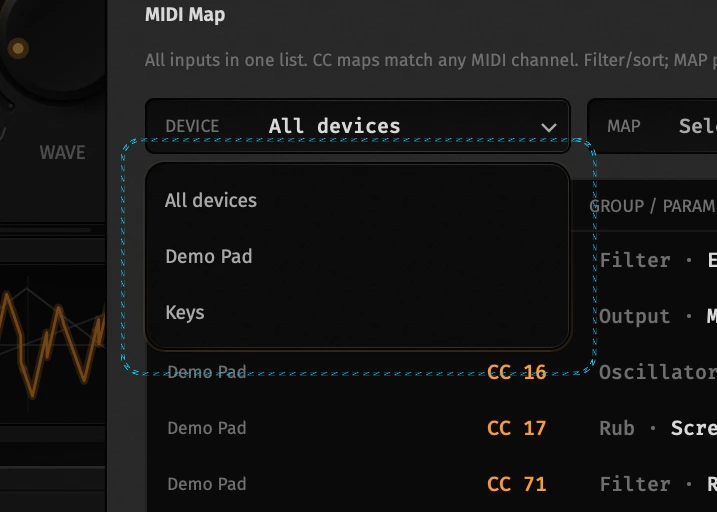
Same CC number on two devices can target different parameters without clobbering each other.
MAP presets (.midimap)
Save writes the full multi-device map as a named preset under Application Support (RUB/MidiMaps/*.midimap). Pick a row from MAP to load; hover a row to delete it.
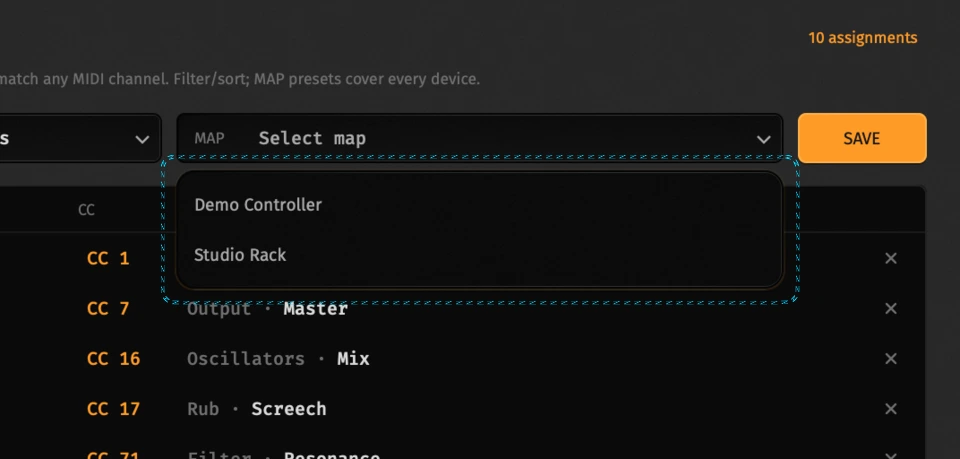
Maps are independent of song presets — load a controller layout, then switch .rub songs freely.
What can be learned
Everything in the Parameters catalog that appears as a panel control — plus UI-only bits like play and note capture where exposed. Sequenceable params can still be MIDI-mapped for live performance while Param Seq writes steps.
Typical targets:
- Filter, Rub, Delay, Dist, Master, Comp
- Osc Mix, types, ×2, Tune A/B, Range, sync
- BPM (also clocks delay in SYNC)
- Lane Blend when Param Seq is active
Persistence
- Live map — saved with host / standalone state (multi-device
v2text, or legacycc=paramId;…). - Named presets —
.midimapfiles via Save / MAP. - Moving a project keeps the live map if the plugin state travels with it.
Tips
- Learn from a quiet CC lane so the next message isn’t an accidental mod wheel bump.
- For Param Seq workflows, map the panel knob and sequence the same
id_str— Blend decides how much of each you hear. - Full
id_strlist and ranges: Parameters.