RUB docs
Getting started
Open RUB, load a factory preset, and start the sequencer.
RUB is a monosynth with a sequencer built in. This page gets you sounding in under a minute.
Open the instrument
- Standalone — launch RUB from Applications (or your DAW’s plugin folder for VST3 / AU / CLAP).
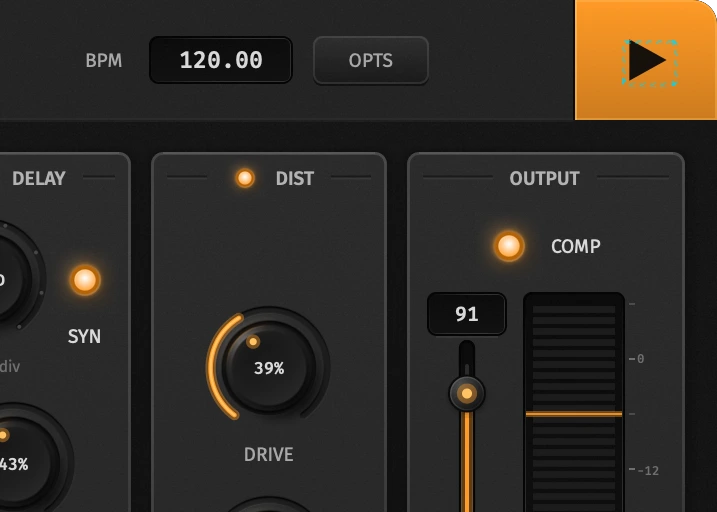
- Plugin — insert on a MIDI track. Turn Follow Host on to take tempo and play/stop from your DAW (the BPM field shows host tempo and locks); off uses RUB’s own Play button. Switch the sequencer card off with its LED and the window collapses to a slim keyboard strip. Automation lists use full names like Filter Cut Off, Osc A x2, Delay Sync — see Parameters.
Load a preset
Use the header preset well. Factory songs are 303-style starting points; User and Imported rows appear after you save or import .rub files.
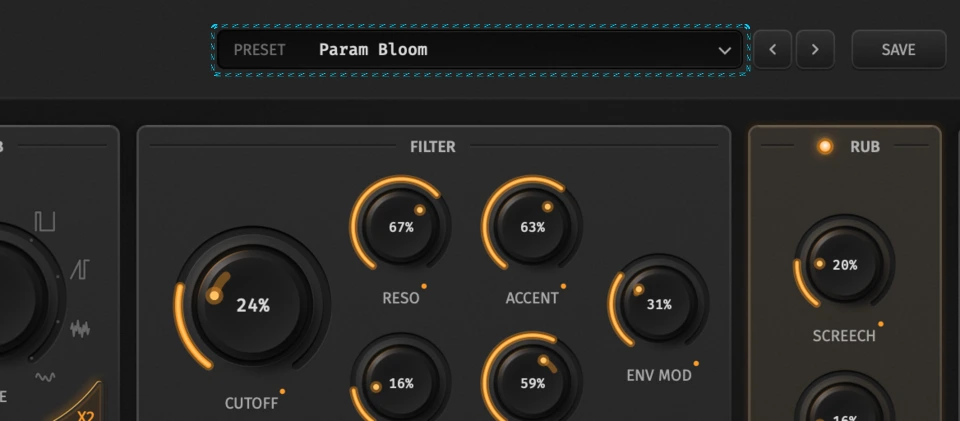
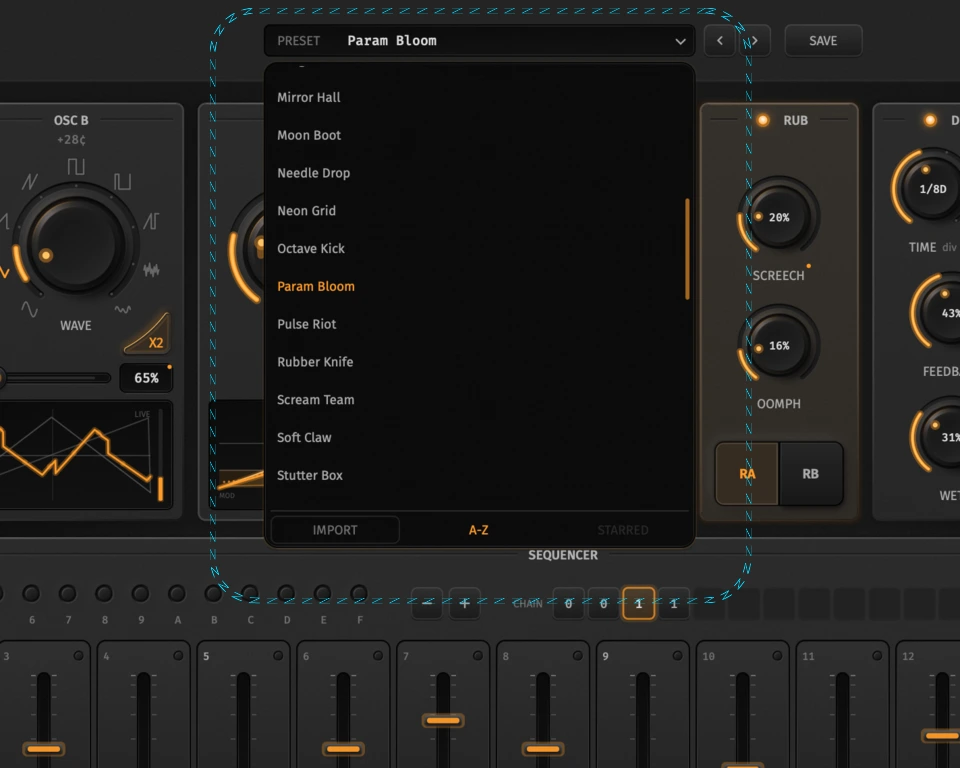
Hover a User / Imported row to star it or delete it. Save writes the current song into User presets. Full detail: Presets (sort, import, categories).
Hit Play
Press Space or the Play button. Playback always restarts from step 0 of the current pattern (or chain head in Chain mode). Stop with Space again.
First moves
- Pick patterns 0–F (number keys or the pattern strip).
- Click the keyboard or drag the step grid to place notes.
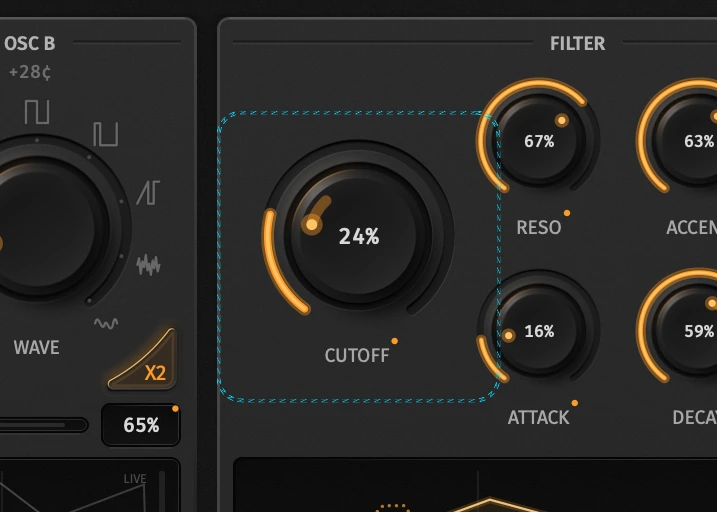
- Open the filter: Cutoff sets the corner; Env Mod decides how far the envelope opens it.
Open TUNE on the oscillator card for Tune A/B, Range, and sync — see Oscillators. When you want parameter automation per step, switch to Param (Tab, or the Param ear) and add a lane — see Param sequencer. For notes, accent, slide, and the chain, see Sequencer.